Browse AI

Verified
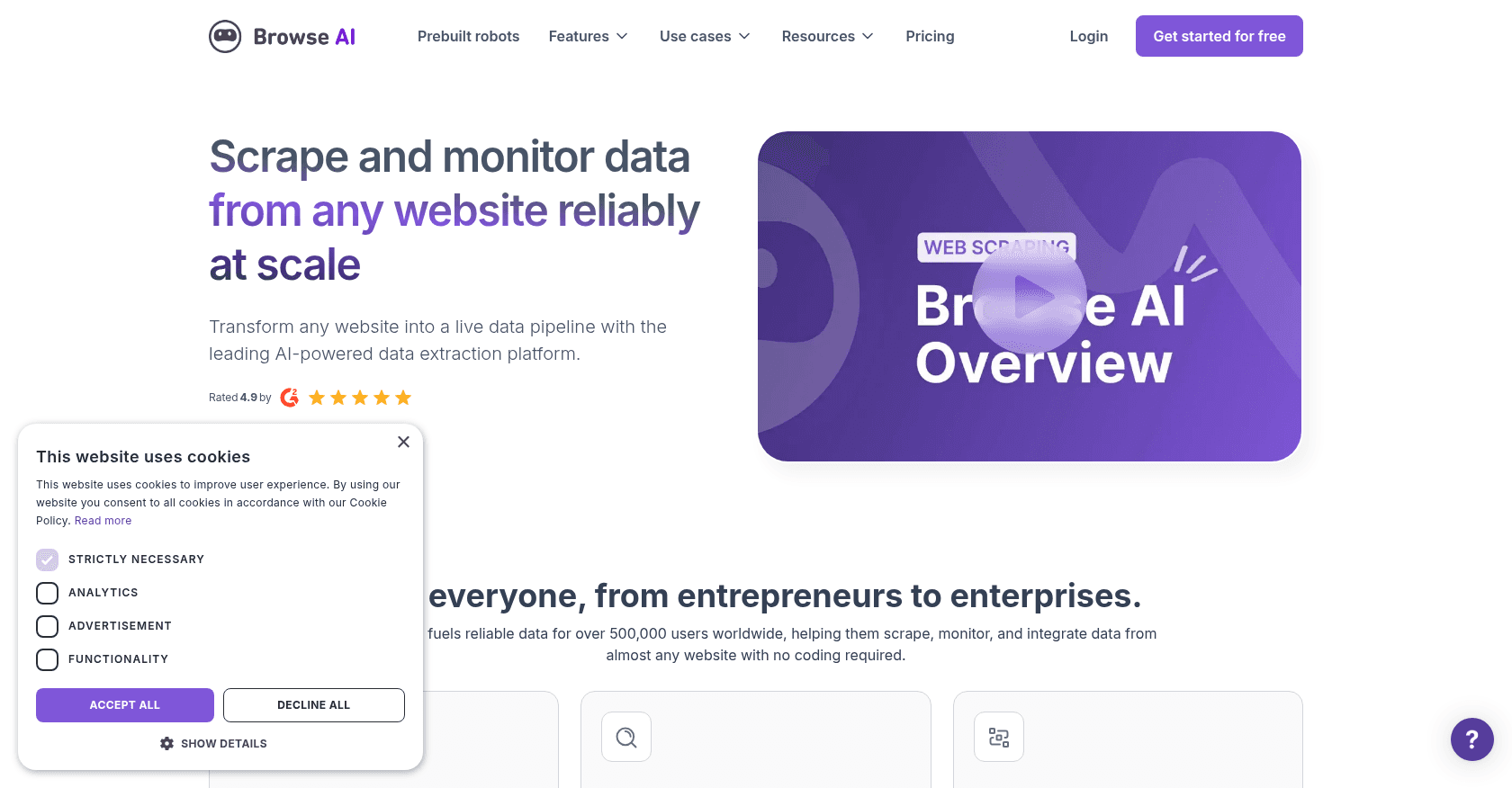
Screenshot of Browse AI

About

Browse AI is a no-code web scraping tool that allows users to easily extract and monitor data from any website. With a user-friendly interface, it enables the automation of data collection, turning websites into APIs, and monitoring changes in real-time. It's designed for individuals and businesses looking to collect data at scale without the need for coding skills.

Key features

  • No-code web scraping and data extraction
  • Real-time website monitoring for changes
  • Prebuilt robots for popular websites
  • Automated pagination and captcha handling
  • Bulk data extraction and scheduling
  • Integrations with Google Sheets, Airtable, and more
  • API access for custom data pipelines

Use cases

Monitoring competitor prices and product listingsTracking job postings and recruitment trendsExtracting real estate data from property websitesScraping reviews and sentiment analysis from ecommerce platformsGenerating leads from directory and listing websites

How to use it

1. Sign up for an account on Browse AI. 2. Download the browser extension and select the data points you want to extract. 3. Train the robot by clicking on elements of the webpage. 4. Set up a schedule for monitoring or extraction. 5. Export data to Google Sheets, Airtable, or connect with apps via integrations like Zapier.

Pricing

Free Plan

  • 2 robots
  • Up to 1000 credits/month
  • Limited monitoring and extraction

Starter Plan - $39/month

  • 10 robots
  • 10,000 credits/month
  • Custom schedules
  • Basic integrations

Pro Plan - $79/month

  • Unlimited robots
  • 25,000 credits/month
  • Advanced monitoring features
  • API access

Prices are indicative and may change — check the official site for up-to-date pricing.

Frequently asked questions

What websites can I scrape using Browse AI?

Browse AI works on almost any website, including popular platforms like Amazon, Zillow, eBay, and YouTube. However, some limitations apply, such as restrictions on heavily protected websites.

How do I set up a robot to monitor changes on a website?

You can set up a monitoring robot by selecting a webpage and defining the specific data points and frequency of monitoring. The robot will then notify you of any changes through email or other integrations.

Do I need coding experience to use Browse AI?

No, Browse AI is designed for users with no coding experience. Its point-and-click interface makes it easy to set up data extraction and monitoring tasks.

Alternatives to Browse AI