Cursor

Verified
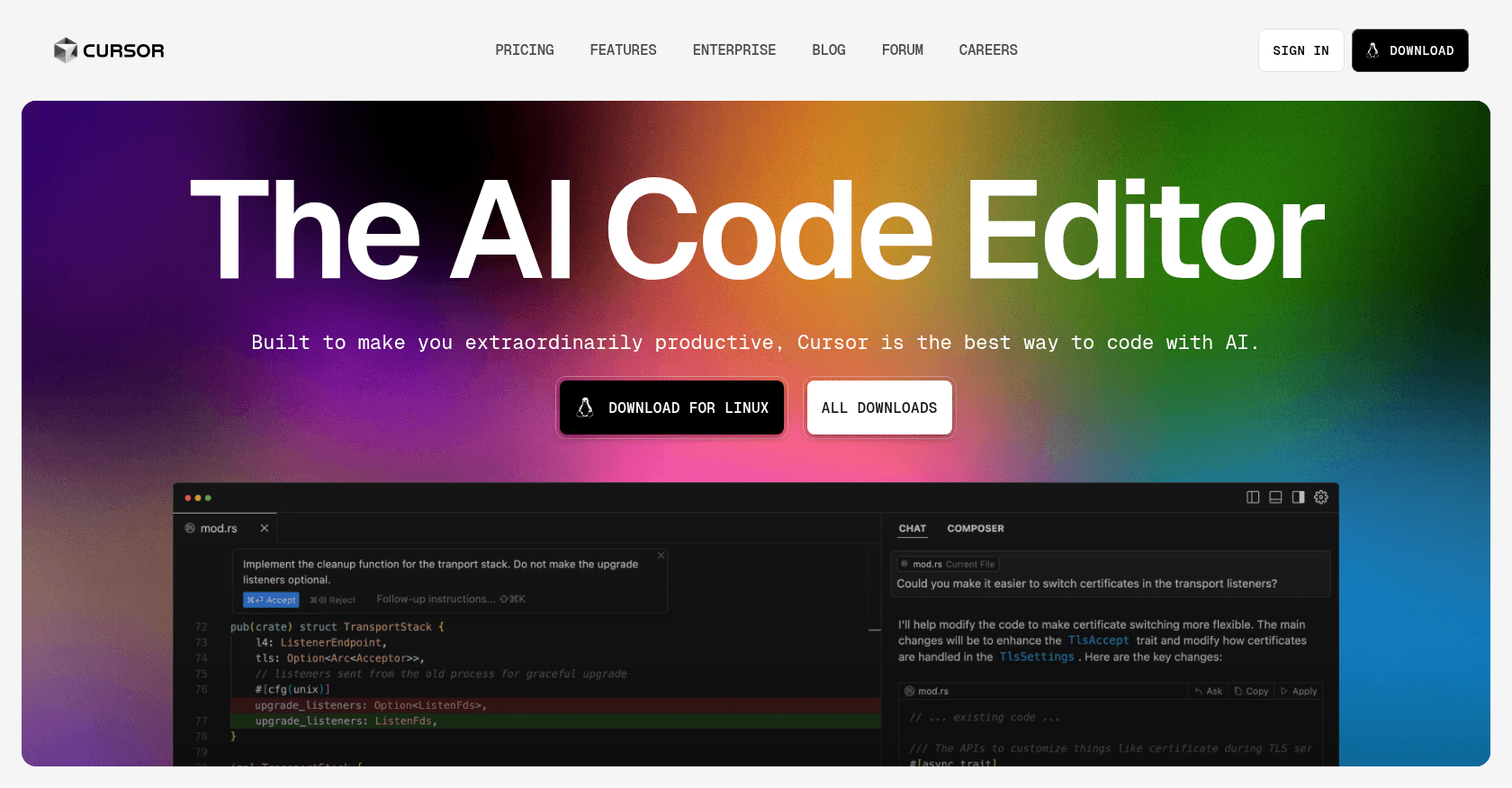
Screenshot of Cursor

About

Cursor reinvents the code editor by putting AI at the heart of the development experience. Built on top of VS Code, it lets you edit multiple files at once using natural language, chat with your entire project, and hand off complete tasks to autonomous agents. Since version 2.0, its in-house Composer model and multi-agent interface make it possible to run several tasks in parallel.

Key features

  • Full-featured editor based on VS Code, compatible with your extensions
  • Agent mode that carries out multi-file tasks end to end
  • Composer, an in-house coding model built for speed and agentic tasks
  • Multi-agent interface: up to eight agents running in parallel in isolated workspaces
  • Predictive completion that anticipates your next edits
  • Chat with full project indexing
  • Support for all the leading models on the market

Use cases

Build new features fasterRefactor an existing codebaseQuickly get up to speed on an unfamiliar projectPrototype an app from a simple description

How to use it

Download Cursor from cursor.com and import your VS Code settings in one click, extensions included. Use Ctrl+K to edit code by instruction, or open the chat panel to query your codebase. Agent mode plans and executes changes across multiple files, which you review before they are applied.

Pricing

Hobby

  • Free
  • Limited quota of AI requests
  • Basic completions and chat

Pro

  • $20 per month
  • Extended agent mode usage
  • Access to the most capable models
  • Unlimited completions
  • Pro+ ($60) and Ultra ($200) tiers for heavy usage

Teams

  • $40 per user per month
  • Privacy mode enforced across the whole team
  • Centralized admin and billing

Prices are indicative and may change — check the official site for up-to-date pricing.

Frequently asked questions

How is it different from GitHub Copilot?

Copilot is an extension you add to your editor, whereas Cursor is an entire editor designed around AI. Its agent mode and project-wide awareness generally go well beyond simple code completion.

Can I keep my VS Code extensions?

Yes. Since Cursor is a fork of VS Code, your extensions, themes, and keyboard shortcuts are imported automatically during installation.

Alternatives to Cursor