Microsoft Copilot vs WriteHuman: which one to choose in 2026?
Community ratings, features, pricing and free plans: the complete head-to-head between Microsoft Copilot and WriteHuman to find the right tool for your needs.
Microsoft Copilot is an AI-powered assistant integrated with Microsoft 365 applications like Word, Excel, PowerPoint, Teams, and more. It enhances productivity by helping users create, edit, and analyze content, automate tasks, and generate insights based on data, all within familiar tools.
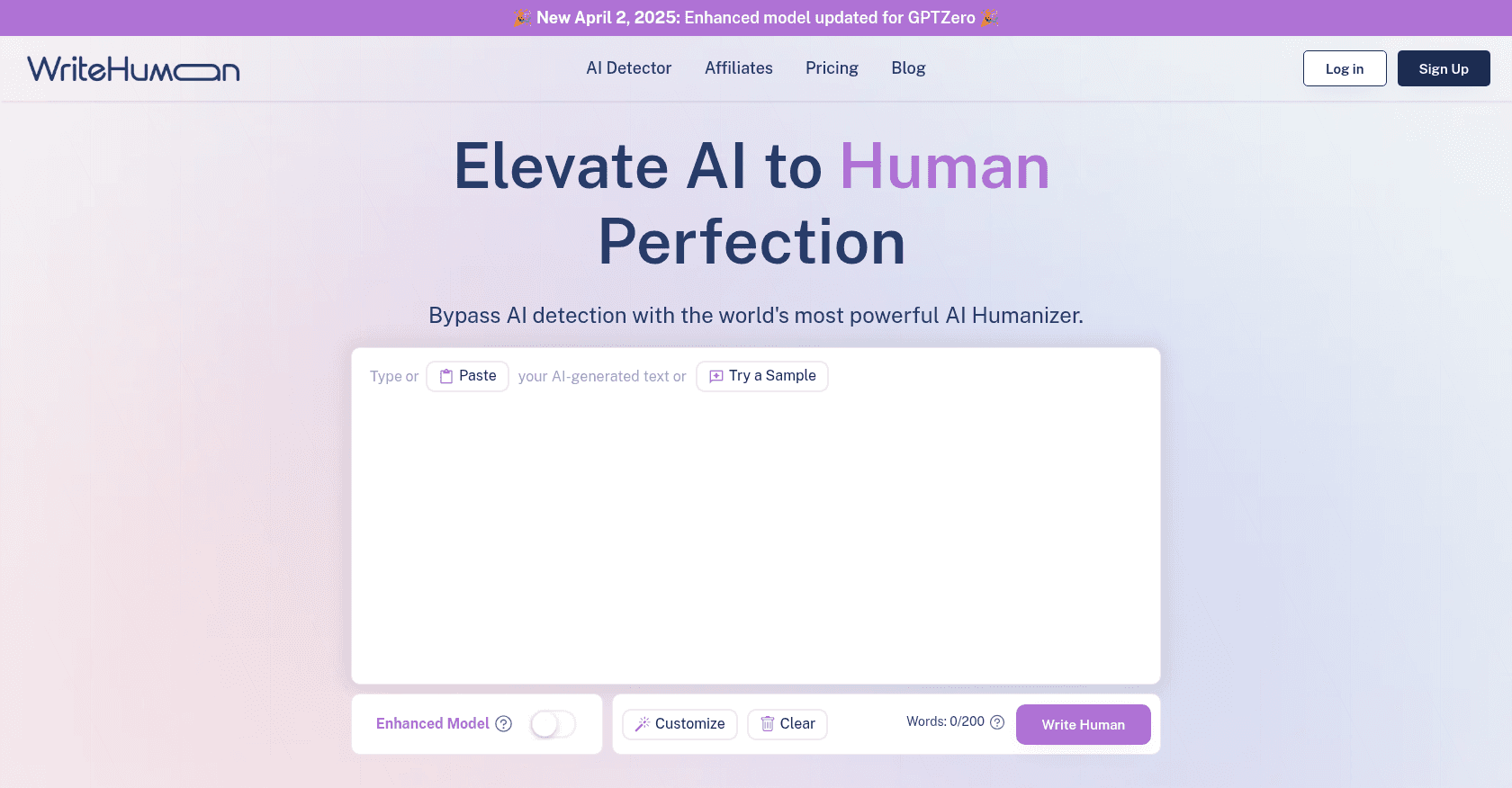
WriteHuman is an AI-powered content rewriting tool designed to transform AI-generated text into human-like writing. It aims to help users bypass AI detection tools by rephrasing content to appear more natural and authentic.
Microsoft Copilot (4.6/5) and WriteHuman (4.7/5) earn very similar ratings from our community: the choice mostly comes down to your use case.
Budget-wise, WriteHuman offers a free plan to get started, while Microsoft Copilot does not appear to offer one.
Positioning-wise, Microsoft Copilot stands out in Blog Writing, Copywriting, Essay Writing, Summarizer, Email Writing, Creative Writing, Presentation Generator, Spreadsheet, Meeting Assistant, Task Management, Project Management, Notes Assistant, Workflow Management, Research Tool, Analytics Assistant and Chatbot, while WriteHuman focuses on Grammar Checker, Plagiarism Checker and SEO Assistant.
Features head to head
Microsoft Copilot
Generative AI for content creation in Word, PowerPoint, and Outlook
Data analysis and visualization in Excel
Automated task management in Microsoft Teams
Business Chat for quick access to data across applications
Real-time security, privacy, and compliance features
WriteHuman
AI Humanizer: Transforms AI-generated content into human-like text.
Tone Customization: Allows selection of various tones to match the desired writing style.
Enhanced Model: Offers advanced rewriting capabilities for premium users.
AI Detector: Built-in tool to check the likelihood of content being flagged as AI-generated.
Multi-language Support: Supports content rewriting in multiple languages.
Pricing compared
Microsoft Copilot
Copilot Pro
Faster responses during peak times
Available in Microsoft 365 apps
Enhanced AI image creation
Microsoft 365 Copilot
Integration with Teams, Word, Excel, Outlook, and more
Business Chat for organizational insights
Enterprise-grade security, privacy, and compliance
WriteHuman
Free Trial
3 humanizer requests per month
Up to 200 words per request
Access to basic features
Basic Plan - $9/month (billed annually)
80 humanizer credits per month
600 words per credit
Access to Enhanced Model
Basic customer support
Pro Plan - $12/month (billed annually)
200 humanizer credits per month
1200 words per credit
Access to Enhanced Model
Priority customer support
Ultra Plan - $27/month (billed annually)
800 humanizer credits per month
3000 words per credit
Access to Enhanced Model
Priority customer support
Unlimited Plan - $36/month (billed annually)
Unlimited humanizer credits
Access to Enhanced Model
Priority customer support
Prices are indicative and may change — check the official sites for up-to-date pricing.
Frequently asked questions
What is the difference between Microsoft Copilot and WriteHuman?
Both tools share the Content Generator and Paraphrasing space, but Microsoft Copilot also covers Blog Writing, Copywriting, Essay Writing, Summarizer, Email Writing, Creative Writing, Presentation Generator, Spreadsheet, Meeting Assistant, Task Management, Project Management, Notes Assistant, Workflow Management, Research Tool, Analytics Assistant and Chatbot, while WriteHuman adds Grammar Checker, Plagiarism Checker and SEO Assistant.
Microsoft Copilot or WriteHuman: which one is rated higher?
The two tools are neck and neck: Microsoft Copilot shows 4.6/5 (112 reviews) and WriteHuman 4.7/5 (249 reviews).
Can you use Microsoft Copilot or WriteHuman for free?
Microsoft Copilot does not offer a free plan as far as we know, and WriteHuman offers a free plan.