
Microsoft Copilot vs Notion: which one to choose in 2026?

Community ratings, features, pricing and free plans: the complete head-to-head between Microsoft Copilot and Notion to find the right tool for your needs.

Screenshot of Microsoft Copilot
Verified

Microsoft Copilot

4.6 (112)

Microsoft Copilot is an AI-powered assistant integrated with Microsoft 365 applications like Word, Excel, PowerPoint, Teams, and more. It enhances productivity by helping users create, edit, and analyze content, automate tasks, and generate insights based on data, all within familiar tools.

Content GeneratorBlog WritingCopywritingEssay WritingSummarizerParaphrasingEmail WritingCreative WritingPresentation GeneratorSpreadsheetMeeting AssistantTask ManagementProject ManagementNotes AssistantWorkflow ManagementResearch ToolAnalytics AssistantChatbot
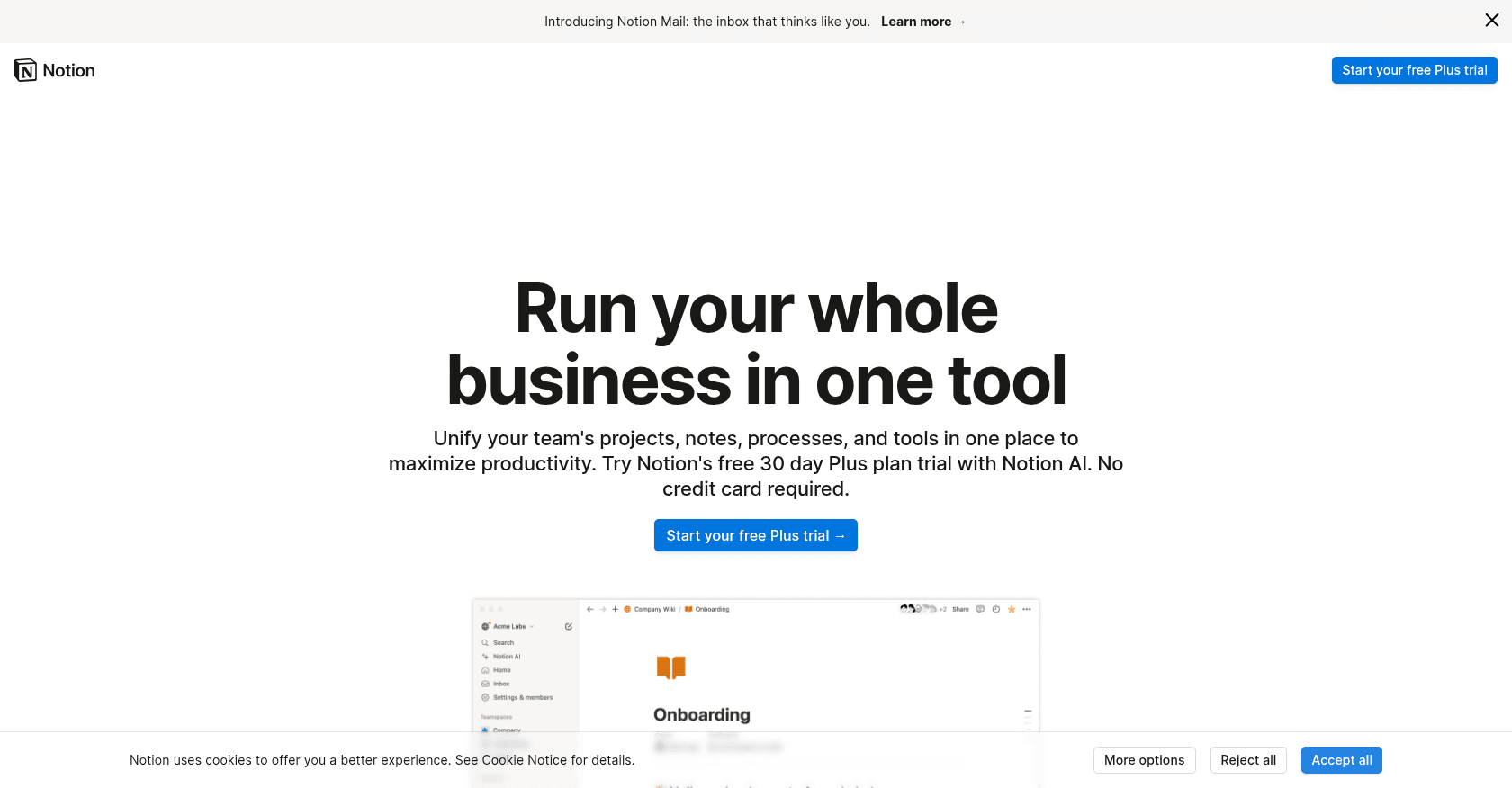
Screenshot of Notion
Verified

Notion

4.5 (689)

Notion brings notes, documents, databases and project management together in a single, fully customizable workspace. Its built-in assistant, Notion AI, writes, summarizes, translates and answers questions by drawing on the content of your workspace. Since Notion 3.0, its autonomous agents can carry out entire tasks on your behalf, from drafting pages to updating whole databases.

Notes AssistantProject Management

Comparison table

CriterionMicrosoft CopilotNotion
Average rating4.64.5
Number of reviews112689
Free planNoYes
PlansCopilot Pro, Microsoft 365 CopilotFree, Plus, Business
CategoriesContent Generator, Blog Writing, Copywriting, Essay Writing, Summarizer, Paraphrasing, Email Writing, Creative Writing, Presentation Generator, Spreadsheet, Meeting Assistant, Task Management, Project Management, Notes Assistant, Workflow Management, Research Tool, Analytics Assistant, ChatbotNotes Assistant, Project Management
Last updatedOctober 1, 2024July 8, 2026

See all tools in these categories: Project Management, Notes Assistant

Our verdict

Microsoft Copilot or Notion?

Microsoft Copilot (4.6/5) and Notion (4.5/5) earn very similar ratings from our community: the choice mostly comes down to your use case.

Budget-wise, Notion offers a free plan to get started, while Microsoft Copilot does not appear to offer one.

Microsoft Copilot also covers Content Generator, Blog Writing, Copywriting, Essay Writing, Summarizer, Paraphrasing, Email Writing, Creative Writing, Presentation Generator, Spreadsheet, Meeting Assistant, Task Management, Workflow Management, Research Tool, Analytics Assistant and Chatbot, ground that Notion does not directly address.

Features head to head

Microsoft Copilot

  • Generative AI for content creation in Word, PowerPoint, and Outlook
  • Data analysis and visualization in Excel
  • Automated task management in Microsoft Teams
  • Business Chat for quick access to data across applications
  • Real-time security, privacy, and compliance features

Notion

  • Flexible pages combining text, tables and media
  • Powerful databases with multiple views
  • Notion AI and its autonomous agents for writing, summarizing and automating multi-step tasks
  • Real-time collaboration and comments
  • Thousands of free templates to get started quickly

Pricing compared

Microsoft Copilot

Copilot Pro

  • Faster responses during peak times
  • Available in Microsoft 365 apps
  • Enhanced AI image creation

Microsoft 365 Copilot

  • Integration with Teams, Word, Excel, Outlook, and more
  • Business Chat for organizational insights
  • Enterprise-grade security, privacy, and compliance

Notion

Free

  • Unlimited pages and blocks for individual use
  • Collaboration limited to a few guests
  • 7-day version history

Plus

  • Around €9.50 per user per month
  • Unlimited blocks for teams
  • 30-day version history

Business

  • Around €19.50 per user per month
  • Notion AI and its autonomous agents included at no extra cost
  • Private team spaces and SAML SSO

Prices are indicative and may change — check the official sites for up-to-date pricing.

Frequently asked questions

What is the difference between Microsoft Copilot and Notion?

Both tools share the Project Management and Notes Assistant space, but Microsoft Copilot also covers Content Generator, Blog Writing, Copywriting, Essay Writing, Summarizer, Paraphrasing, Email Writing, Creative Writing, Presentation Generator, Spreadsheet, Meeting Assistant, Task Management, Workflow Management, Research Tool, Analytics Assistant and Chatbot.

Microsoft Copilot or Notion: which one is rated higher?

The two tools are neck and neck: Microsoft Copilot shows 4.6/5 (112 reviews) and Notion 4.5/5 (689 reviews).

Can you use Microsoft Copilot or Notion for free?

Microsoft Copilot does not offer a free plan as far as we know, and Notion offers a free plan.

Other comparisons