NotebookLM

Verified
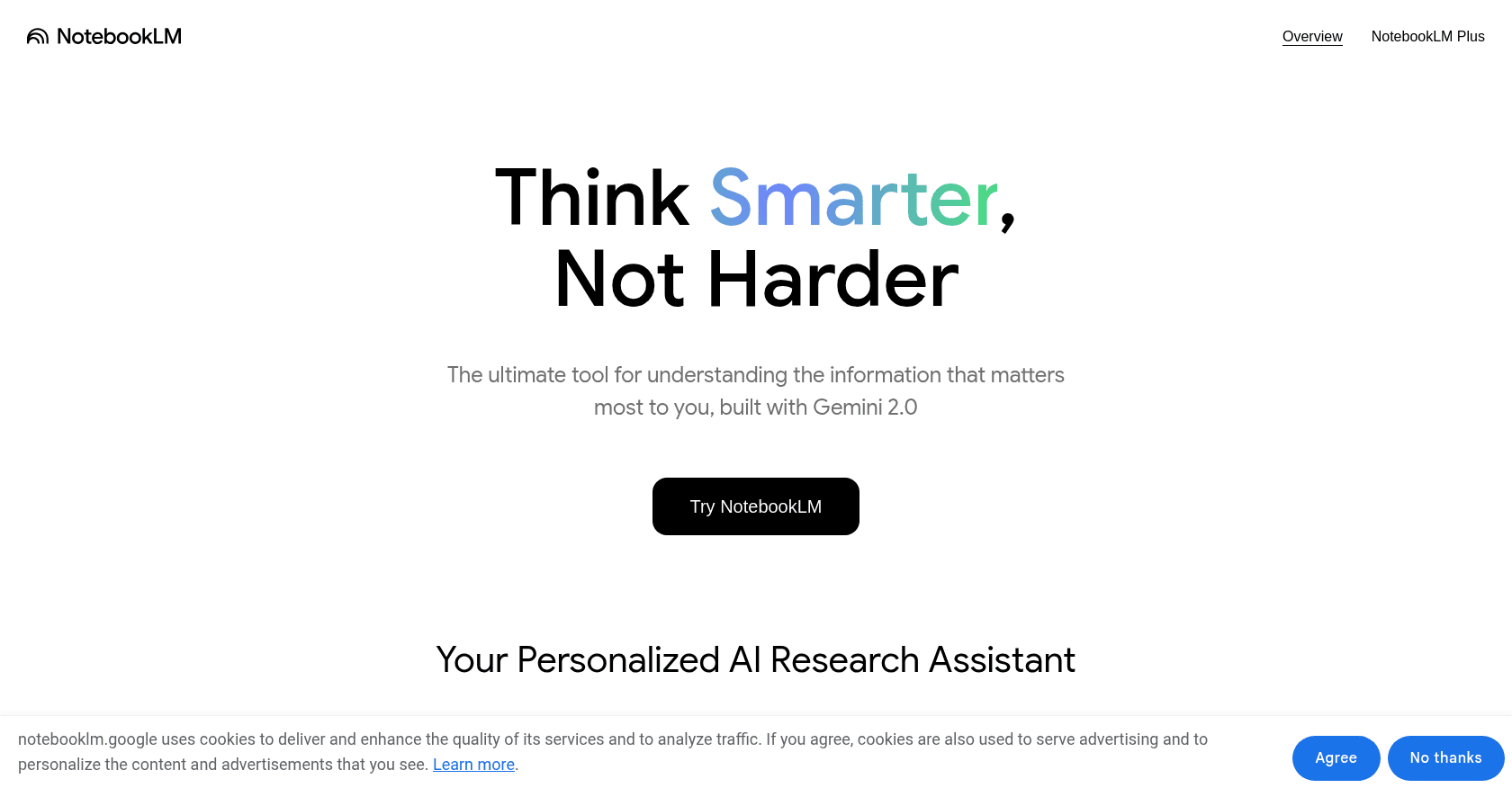
Screenshot of NotebookLM

About

NotebookLM, Google's research assistant, reasons exclusively over the documents you feed it: PDFs, websites, YouTube videos or personal notes. It turns them into reliable, cited summaries and can even transform your sources into an audio podcast where two voices discuss the content — a feature that has achieved cult status. Powered by Gemini 3, it also generates video overviews and Deep Research reports.

Key features

  • Answers grounded solely in your own sources
  • Precise citations linking back to the original passages
  • Audio Overviews: your documents turned into a podcast
  • Video Overviews: your sources summarized as short animated videos
  • Deep Research: cited reports built from web research
  • Import PDFs, websites, YouTube videos and Google Docs
  • Auto-generated study guides, mind maps, timelines and FAQs

Use cases

Studying for exams from your own course materialsDistilling large volumes of technical documentationBuilding a briefing by cross-referencing multiple reportsListening to your documents as a podcast during your commute

How to use it

Sign in with a Google account at notebooklm.google.com and create a notebook. Import your sources: PDF documents, Google Docs, web links or YouTube videos. Then ask your questions in the chat: every answer cites the exact passages it draws on. The Audio Overview button generates a podcast-style discussion from your documents, and Video Overview turns them into a short explainer video.

Pricing

Free

  • Up to 100 notebooks
  • 50 sources per notebook
  • Audio and Video Overviews included (daily quotas)

Plus

  • Included in Google AI Plus (around €8 per month)
  • 200 notebooks and 100 sources per notebook
  • Double the Audio Overview quotas

Pro

  • Included in Google AI Pro (around €21.99 per month)
  • 500 notebooks and 300 sources per notebook
  • Advanced customization and sharing features

Prices are indicative and may change — check the official site for up-to-date pricing.

Frequently asked questions

Does NotebookLM make things up?

The risk is greatly reduced because the tool relies only on the sources you provide and cites its passages. If the information isn't in your documents, it says so rather than improvising.

How much does NotebookLM cost?

The core service is free with a Google account. The Plus and Pro versions, included in the Google AI Plus and Google AI Pro subscriptions respectively, raise the limits on notebooks, sources and Audio Overviews.

Alternatives to NotebookLM