Freepik vs Meshy: which one to choose in 2026?

Community ratings, features, pricing and free plans: the complete head-to-head between Freepik and Meshy to find the right tool for your needs.

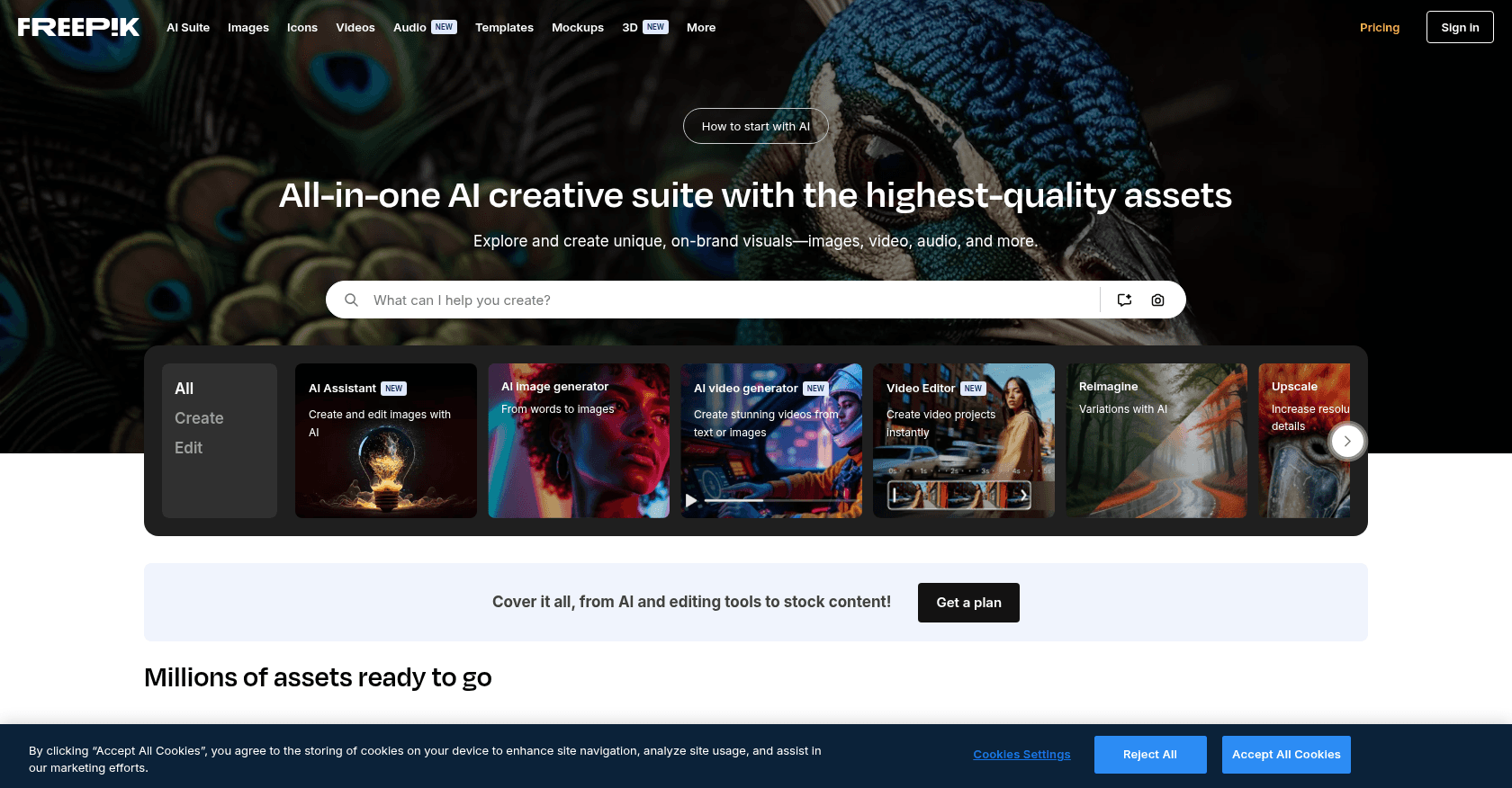
Screenshot of Freepik
Verified

Freepik

4.3 (117)

Freepik is a comprehensive AI-powered creative platform offering tools for generating and editing images, videos, and audio. With a vast library of stock assets and advanced AI models like Mystic and Flux, Freepik enables users to create high-quality visual content efficiently.

Text to ImagePhoto & Image GeneratorVideo EditorVideo EnhancerVoice CloningAudio EnhancerVoice & Audio EditingBackground RemoverImage EnhancerIllustration GeneratorAvatar GeneratorLogo GeneratorPresentation Generator3D DesignWebsite DesignerDesign GeneratorCreative WritingContent GeneratorMarketing Plan GeneratorAd GeneratorSocial Media Assistant
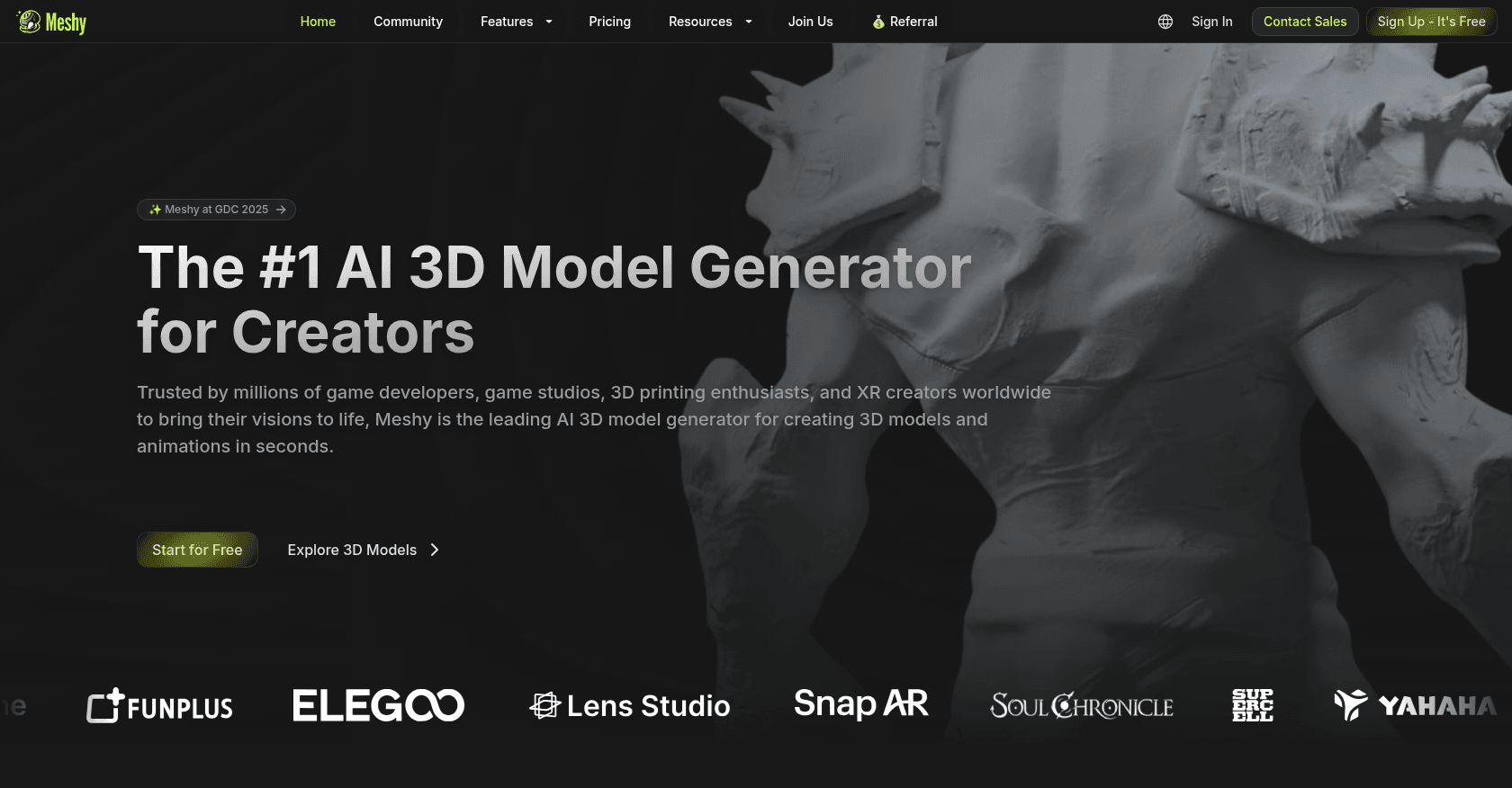
Screenshot of Meshy
Verified

Meshy

4.7 (218)

Meshy is an AI-powered 3D model generator that transforms text prompts and images into detailed 3D models, textures, and animations. Designed for creators across gaming, XR, 3D printing, and digital art, Meshy streamlines the 3D content creation process with speed and ease.

3D Model Generator3D DesignPhoto & Image GeneratorText to ImageArt Generator

Comparison table

CriterionFreepikMeshy
Average rating4.34.7
Number of reviews117218
Free planYesYes
PlansFree Plan, Premium Plan - $7/month, Premium+ Plan - Custom PricingFree, Pro - $16/month, Max - $48/month, Max Unlimited - $96/month
CategoriesText to Image, Photo & Image Generator, Video Editor, Video Enhancer, Voice Cloning, Audio Enhancer, Voice & Audio Editing, Background Remover, Image Enhancer, Illustration Generator, Avatar Generator, Logo Generator, Presentation Generator, 3D Design, Website Designer, Design Generator, Creative Writing, Content Generator, Marketing Plan Generator, Ad Generator, Social Media Assistant3D Model Generator, 3D Design, Photo & Image Generator, Text to Image, Art Generator
Last updatedMay 2, 2025April 18, 2025

See all tools in these categories: Text to Image, Photo & Image Generator, 3D Design

Our verdict

Freepik or Meshy?

With an average rating of 4.7/5 (218 reviews), Meshy comes out ahead of Freepik (4.3/5, 117 reviews) with our community.

Budget-wise, both tools offer a free plan: you can try them before committing to a paid tier.

Positioning-wise, Freepik stands out in Video Editor, Video Enhancer, Voice Cloning, Audio Enhancer, Voice & Audio Editing, Background Remover, Image Enhancer, Illustration Generator, Avatar Generator, Logo Generator, Presentation Generator, Website Designer, Design Generator, Creative Writing, Content Generator, Marketing Plan Generator, Ad Generator and Social Media Assistant, while Meshy focuses on 3D Model Generator and Art Generator.

Features head to head

Freepik

  • AI Image Generator with models like Flux and Mystic
  • AI Video Generator with modes like Kling 2.0
  • AI Voice Generator for text-to-speech conversion
  • Image editing tools: Retouch, Upscaler, Background Remover
  • Sketch-to-Image conversion
  • Reimagine tool for creating variations of images
  • Extensive library of stock images, videos, and audio
  • Customizable templates and mockups
  • Integration with design platforms like Figma

Meshy

  • Text to 3D model generation
  • Image to 3D model conversion
  • Text to Texture for existing models
  • Rigging and animation tools
  • Support for multiple art styles (realistic, cartoon, voxel, etc.)
  • Export in various 3D formats (FBX, OBJ, USDZ, GLB, STL, BLEND)
  • API integration for custom workflows
  • Multilingual interface support
  • Community model sharing and downloads
  • Plugins for Blender and Unity

Pricing compared

Freepik

Free Plan

  • 10 daily downloads of stock content
  • Limited access to AI tools
  • Basic support

Premium Plan - $7/month

  • Unlimited downloads of stock content
  • Access to all AI tools
  • 18,000 monthly AI credits
  • Priority support

Premium+ Plan - Custom Pricing

  • Unlimited downloads of stock content
  • Access to all AI tools
  • 216,000 annual AI credits
  • Dedicated account manager
  • Enterprise-level support

Meshy

Free

  • 200 credits per month
  • 1 task in queue
  • Limited queue priority
  • Assets under CC BY 4.0 license
  • API access

Pro - $16/month

  • 1,000 credits per month
  • 10 tasks in queue
  • Standard queue priority
  • Private and customer-owned assets
  • API access
  • AI texture editing
  • Download community models
  • Animation features

Max - $48/month

  • 4,000 credits per month
  • 20 tasks in queue
  • Maximized queue priority
  • Private and customer-owned assets
  • API access
  • AI texture editing
  • Download community models
  • Animation features

Max Unlimited - $96/month

  • Everything in Max plan
  • Unlimited relaxed generations after credits are used
  • Unlimited downloads

Prices are indicative and may change — check the official sites for up-to-date pricing.

Frequently asked questions

What is the difference between Freepik and Meshy?

Both tools share the Text to Image, Photo & Image Generator and 3D Design space, but Freepik also covers Video Editor, Video Enhancer, Voice Cloning, Audio Enhancer, Voice & Audio Editing, Background Remover, Image Enhancer, Illustration Generator, Avatar Generator, Logo Generator, Presentation Generator, Website Designer, Design Generator, Creative Writing, Content Generator, Marketing Plan Generator, Ad Generator and Social Media Assistant, while Meshy adds 3D Model Generator and Art Generator.

Freepik or Meshy: which one is rated higher?

Meshy earns the better average rating: 4.7/5 (218 reviews), versus 4.3/5 (117 reviews) for Freepik.

Can you use Freepik or Meshy for free?

Yes: both Freepik and Meshy offer a free plan to get started. Advanced features require their paid tiers.

Other comparisons