Claid AI vs Pika: which one to choose in 2026?

Community ratings, features, pricing and free plans: the complete head-to-head between Claid AI and Pika to find the right tool for your needs.

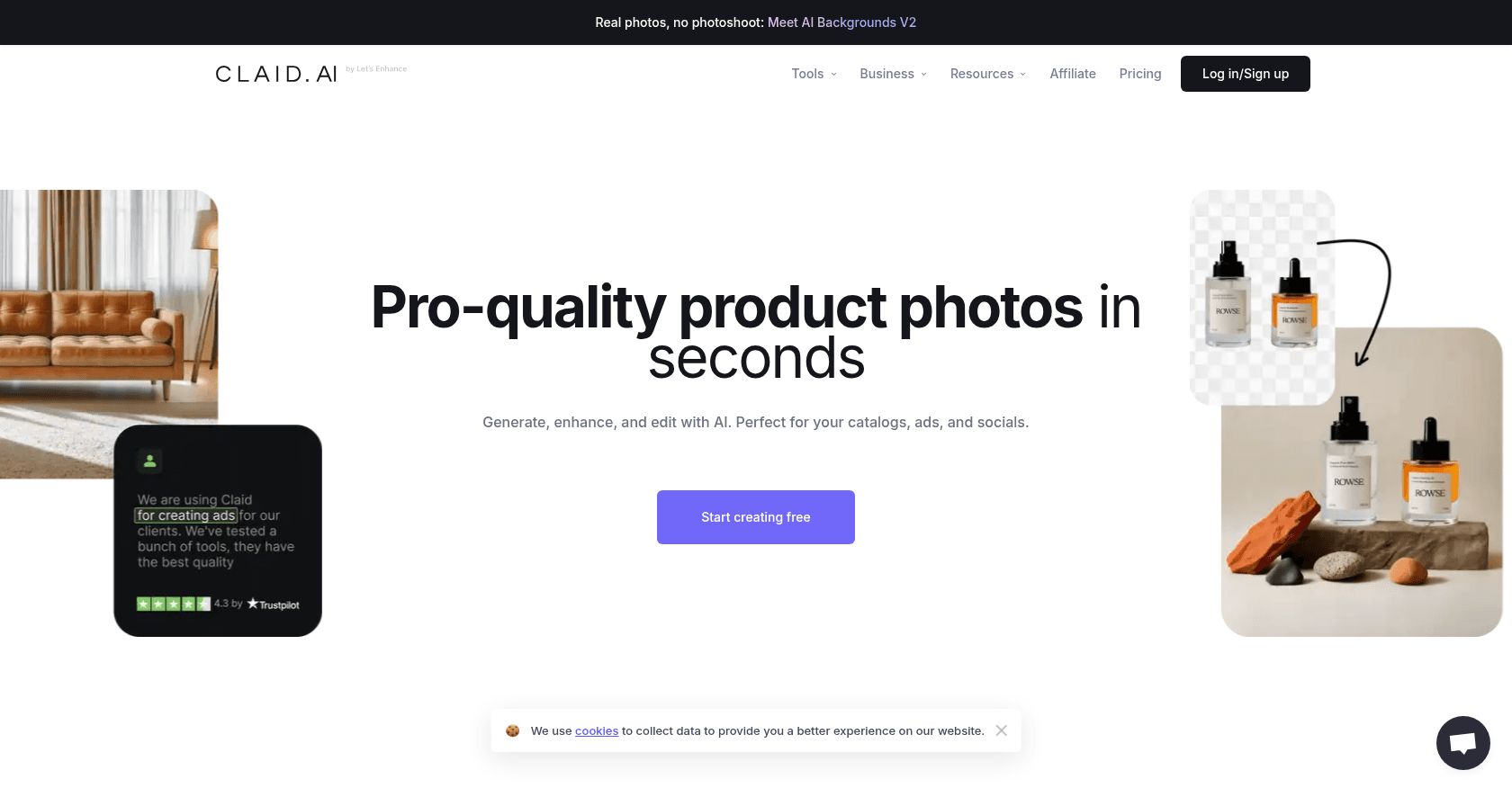
Screenshot of Claid AI
Verified

Claid AI

4.3 (217)

Claid AI is an AI-powered image enhancement platform designed for e-commerce and marketing. It provides tools for automated image editing, background removal, retouching, and optimization, aimed at improving image quality and consistency across digital platforms.

Image EnhancerPhoto & Image EditorBackground RemoverE-commerce Assistant
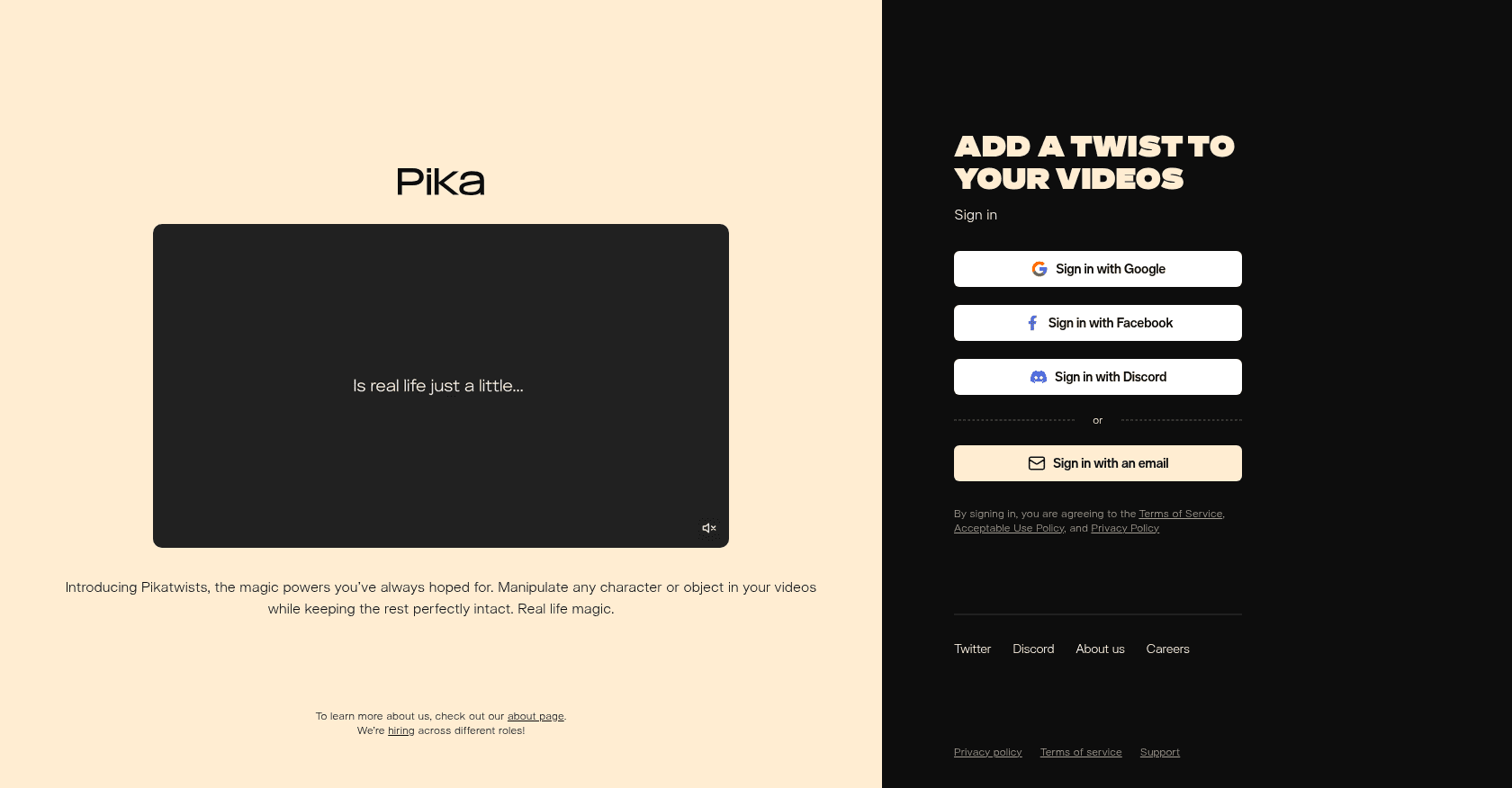
Screenshot of Pika
Verified

Pika

4.6 (235)

Pika is an innovative AI-powered video creation platform that allows users to generate dynamic videos from text, images, or existing videos. It offers a wide range of creative tools, including text-to-video, image-to-video, and video editing features, making video production accessible to content creators, marketers, and educators.

Text to VideoVideo EditorPhoto & Image EditorPhoto & Image Generator

Comparison table

CriterionClaid AIPika
Average rating4.34.6
Number of reviews217235
Free planYesYes
PlansFree Trial, Starter - $29/month, Professional - $99/month, Enterprise - Custom pricingFree Basic Plan - $0, Standard Plan - $10/month, Unlimited Plan - $35/month, Pro Plan - $70/month
CategoriesImage Enhancer, Photo & Image Editor, Background Remover, E-commerce AssistantText to Video, Video Editor, Photo & Image Editor, Photo & Image Generator
Last updatedOctober 16, 2024October 1, 2024

See all tools in these categories: Photo & Image Editor

Our verdict

Claid AI or Pika?

With an average rating of 4.6/5 (235 reviews), Pika comes out ahead of Claid AI (4.3/5, 217 reviews) with our community.

Budget-wise, both tools offer a free plan: you can try them before committing to a paid tier.

Positioning-wise, Claid AI stands out in Image Enhancer, Background Remover and E-commerce Assistant, while Pika focuses on Text to Video, Video Editor and Photo & Image Generator.

Features head to head

Claid AI

  • Automated background removal
  • Image retouching and enhancement
  • Consistent color correction and optimization
  • Batch processing for bulk image handling
  • API access for seamless integration into e-commerce platforms

Pika

  • Text-to-video generation
  • Image-to-video animation
  • Video-to-video modification
  • Lip sync audio generation
  • Customizable video editing tools

Pricing compared

Claid AI

Free Trial

  • Limited access to core features
  • Up to 5 images for enhancement

Starter - $29/month

  • 100 images per month
  • Background removal and retouching
  • API access with limited support

Professional - $99/month

  • 500 images per month
  • Advanced color correction and enhancement
  • Priority API access and support

Enterprise - Custom pricing

  • Customizable image limits
  • Dedicated account manager
  • Full API access and premium support

Pika

Free Basic Plan - $0

  • 250 initial credits
  • 30 credits refilled daily
  • Limited video generation with watermarks

Standard Plan - $10/month

  • 700 credits per month
  • 30 daily credits
  • No watermarks
  • Lip sync audio generation
  • Downloadable videos

Unlimited Plan - $35/month

  • Unlimited Chill generations
  • 2,000 credits per month
  • No watermarks
  • All Standard Plan features

Pro Plan - $70/month

  • Unlimited Lightning generations
  • Infinite credits
  • Commercial usage rights
  • Early access to new features

Prices are indicative and may change — check the official sites for up-to-date pricing.

Frequently asked questions

What is the difference between Claid AI and Pika?

Both tools share the Photo & Image Editor space, but Claid AI also covers Image Enhancer, Background Remover and E-commerce Assistant, while Pika adds Text to Video, Video Editor and Photo & Image Generator.

Claid AI or Pika: which one is rated higher?

Pika earns the better average rating: 4.6/5 (235 reviews), versus 4.3/5 (217 reviews) for Claid AI.

Can you use Claid AI or Pika for free?

Yes: both Claid AI and Pika offer a free plan to get started. Advanced features require their paid tiers.

Other comparisons