Assistive vs SendShort: which one to choose in 2026?

Community ratings, features, pricing and free plans: the complete head-to-head between Assistive and SendShort to find the right tool for your needs.

Screenshot of Assistive
Verified

Assistive

4.0 (63)

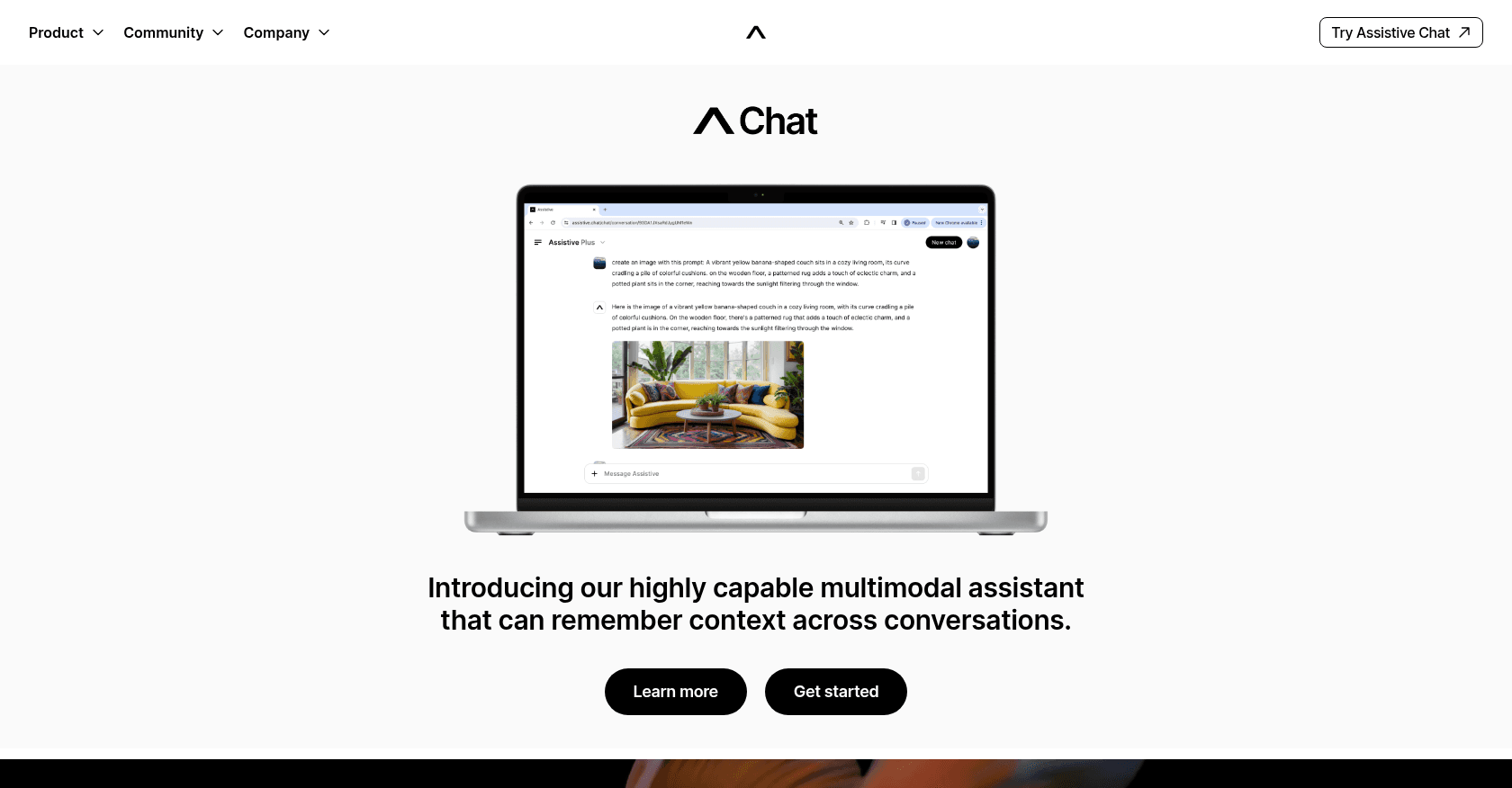
Assistive Chat is a versatile AI-powered tool that helps users with tasks ranging from text creation and image generation to video creation and data analysis. It remembers conversation contexts and supports multimedia inputs, making it a powerful companion for both personal and professional use.

Content GeneratorText to ImagePhoto & Image GeneratorText to VideoResearch ToolAnalytics AssistantChatbot
Screenshot of SendShort
Verified

SendShort

4.3 (194)

SendShort is an AI-powered platform that automates the creation of short-form videos from long-form content. It enables users to generate engaging, platform-optimized videos with features like faceless video generation, AI voiceovers, automatic B-roll integration, and multilingual subtitles, streamlining the video production process for creators and marketers.

Text to VideoShort Clips GeneratorVideo EditorText-to-SpeechSpeech-to-TextRepurpose AssistantMarketing Plan Generator

Comparison table

CriterionAssistiveSendShort
Average rating4.04.3
Number of reviews63194
Free planYesYes
PlansFree Plan, Plus subscription - $18.99/monthFree Plan, Subtitles Pro - $19/month, Advanced - $29/month, Expert - $59/month, Enterprise Plan
CategoriesContent Generator, Text to Image, Photo & Image Generator, Text to Video, Research Tool, Analytics Assistant, ChatbotText to Video, Short Clips Generator, Video Editor, Text-to-Speech, Speech-to-Text, Repurpose Assistant, Marketing Plan Generator
Last updatedSeptember 27, 2024April 18, 2025

See all tools in these categories: Text to Video

Our verdict

Assistive or SendShort?

With an average rating of 4.3/5 (194 reviews), SendShort comes out ahead of Assistive (4.0/5, 63 reviews) with our community.

Budget-wise, both tools offer a free plan: you can try them before committing to a paid tier.

Positioning-wise, Assistive stands out in Content Generator, Text to Image, Photo & Image Generator, Research Tool, Analytics Assistant and Chatbot, while SendShort focuses on Short Clips Generator, Video Editor, Text-to-Speech, Speech-to-Text, Repurpose Assistant and Marketing Plan Generator.

Features head to head

Assistive

  • Multimodal Interaction: Supports text, images, video, and audio inputs.
  • Contextual Memory: Remembers past interactions and maintains conversation flow.
  • Text-to-Image and Video Creation: Converts user prompts into images or short videos.
  • Data Analysis: Provides insights by analyzing input data.
  • Real-time Knowledge Access: Can browse the internet and access the latest information.
  • Companion for Daily Tasks: Can help with both personal and work-related activities.

SendShort

  • AI-powered short video generation from long-form content
  • Faceless video creation with AI-generated visuals
  • Automatic B-roll footage integration
  • AI-generated voiceovers in multiple languages
  • Auto-generated and customizable subtitles with translation support
  • Video repurposing tools for various social media platforms
  • Scheduling and publishing capabilities for multiple platforms
  • Analytics dashboard for performance tracking

Pricing compared

Assistive

Free Plan

  • Basic Access

Plus subscription - $18.99/month

  • 10,000 credits
  • Exclusive early access to new features
  • Features on official Assistive channels
  • Opportunities to earn money sharing your creations

SendShort

Free Plan

  • Up to 3 videos per month
  • Watermarked videos
  • Access to basic editing tools
  • 200 MB per video limit

Subtitles Pro - $19/month

  • 100 short videos with subtitles per month
  • Cropping of long videos
  • Max duration of 1 min 30s per video
  • Up to 300 MB per video
  • Music and sound effects import
  • B-roll insertion
  • Import your own images
  • Faceless video creation: 4 per week

Advanced - $29/month

  • All Subtitles Pro features
  • Max duration of 2 minutes per video
  • 30 short videos generated from long videos per month
  • Automatic vertical cropping (9:16)
  • Up to 1 GB and 2 hours per long video
  • Upload long videos via local file or YouTube link
  • Faceless video creation: 10 per week

Expert - $59/month

  • All Advanced features
  • Max duration of 3 minutes per video
  • 100 short videos generated from long videos per month
  • Scheduling and publishing on all platforms (YouTube, TikTok, Instagram, etc.)
  • Content performance analytics
  • Faceless video creation: 30 per week

Enterprise Plan

  • Tailored solutions for specific needs
  • Dedicated support
  • Custom features
  • Contact SendShort for pricing

Prices are indicative and may change — check the official sites for up-to-date pricing.

Frequently asked questions

What is the difference between Assistive and SendShort?

Both tools share the Text to Video space, but Assistive also covers Content Generator, Text to Image, Photo & Image Generator, Research Tool, Analytics Assistant and Chatbot, while SendShort adds Short Clips Generator, Video Editor, Text-to-Speech, Speech-to-Text, Repurpose Assistant and Marketing Plan Generator.

Assistive or SendShort: which one is rated higher?

SendShort earns the better average rating: 4.3/5 (194 reviews), versus 4.0/5 (63 reviews) for Assistive.

Can you use Assistive or SendShort for free?

Yes: both Assistive and SendShort offer a free plan to get started. Advanced features require their paid tiers.

Other comparisons