Assistive vs Faceless Video: which one to choose in 2026?

Community ratings, features, pricing and free plans: the complete head-to-head between Assistive and Faceless Video to find the right tool for your needs.

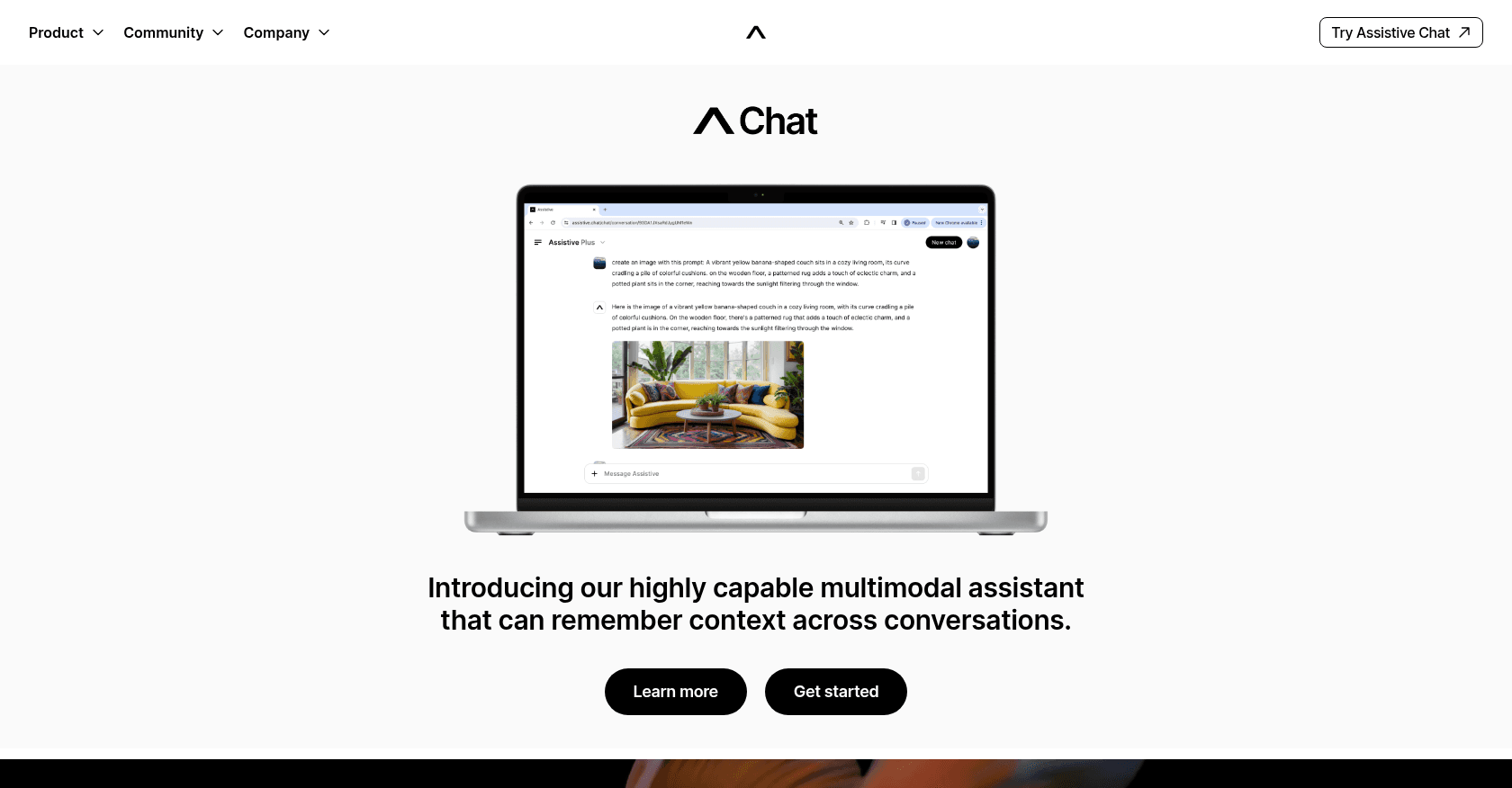
Screenshot of Assistive
Verified

Assistive

4.0 (63)

Assistive Chat is a versatile AI-powered tool that helps users with tasks ranging from text creation and image generation to video creation and data analysis. It remembers conversation contexts and supports multimedia inputs, making it a powerful companion for both personal and professional use.

Content GeneratorText to ImagePhoto & Image GeneratorText to VideoResearch ToolAnalytics AssistantChatbot

Screenshot of Faceless Video
Verified

Faceless Video

4.1 (147)

Faceless Video is an AI-powered tool that enables users to create professional videos without appearing on camera. It simplifies video production for content creators who prefer to remain off-camera, offering a range of features for generating engaging video content.

Text to VideoVideo EditorShort Clips GeneratorContent Generator

Comparison table

CriterionAssistiveFaceless Video
Average rating4.04.1
Number of reviews63147
Free planYesYes
PlansFree Plan, Plus subscription - $18.99/monthFree Plan, Pro Plan - $15/month, Business Plan - $30/month
CategoriesContent Generator, Text to Image, Photo & Image Generator, Text to Video, Research Tool, Analytics Assistant, ChatbotText to Video, Video Editor, Short Clips Generator, Content Generator
Last updatedSeptember 27, 2024October 16, 2024

See all tools in these categories: Content Generator, Text to Video

Our verdict

Assistive or Faceless Video?

Assistive (4.0/5) and Faceless Video (4.1/5) earn very similar ratings from our community: the choice mostly comes down to your use case.

Budget-wise, both tools offer a free plan: you can try them before committing to a paid tier.

Positioning-wise, Assistive stands out in Text to Image, Photo & Image Generator, Research Tool, Analytics Assistant and Chatbot, while Faceless Video focuses on Video Editor and Short Clips Generator.

Features head to head

Assistive

  • Multimodal Interaction: Supports text, images, video, and audio inputs.
  • Contextual Memory: Remembers past interactions and maintains conversation flow.
  • Text-to-Image and Video Creation: Converts user prompts into images or short videos.
  • Data Analysis: Provides insights by analyzing input data.
  • Real-time Knowledge Access: Can browse the internet and access the latest information.
  • Companion for Daily Tasks: Can help with both personal and work-related activities.

Faceless Video

  • AI-driven video generation
  • Multiple video templates
  • Text-to-speech capabilities
  • Customizable animations and effects
  • HD video export
  • Library of visual assets and backgrounds

Pricing compared

Assistive

Free Plan

  • Basic Access

Plus subscription - $18.99/month

  • 10,000 credits
  • Exclusive early access to new features
  • Features on official Assistive channels
  • Opportunities to earn money sharing your creations

Faceless Video

Free Plan

  • Access to basic templates
  • Limited exports with watermarks
  • Up to 720p video quality

Pro Plan - $15/month

  • Unlimited access to all templates
  • No watermarks on exports
  • 1080p video quality
  • Priority customer support
  • Access to premium visual assets

Business Plan - $30/month

  • All Pro Plan features
  • 4K video export quality
  • Dedicated account manager
  • Advanced customization options
  • Team collaboration tools

Prices are indicative and may change — check the official sites for up-to-date pricing.

Frequently asked questions

What is the difference between Assistive and Faceless Video?

Both tools share the Content Generator and Text to Video space, but Assistive also covers Text to Image, Photo & Image Generator, Research Tool, Analytics Assistant and Chatbot, while Faceless Video adds Video Editor and Short Clips Generator.

Assistive or Faceless Video: which one is rated higher?

The two tools are neck and neck: Assistive shows 4.0/5 (63 reviews) and Faceless Video 4.1/5 (147 reviews).

Can you use Assistive or Faceless Video for free?

Yes: both Assistive and Faceless Video offer a free plan to get started. Advanced features require their paid tiers.

Other comparisons